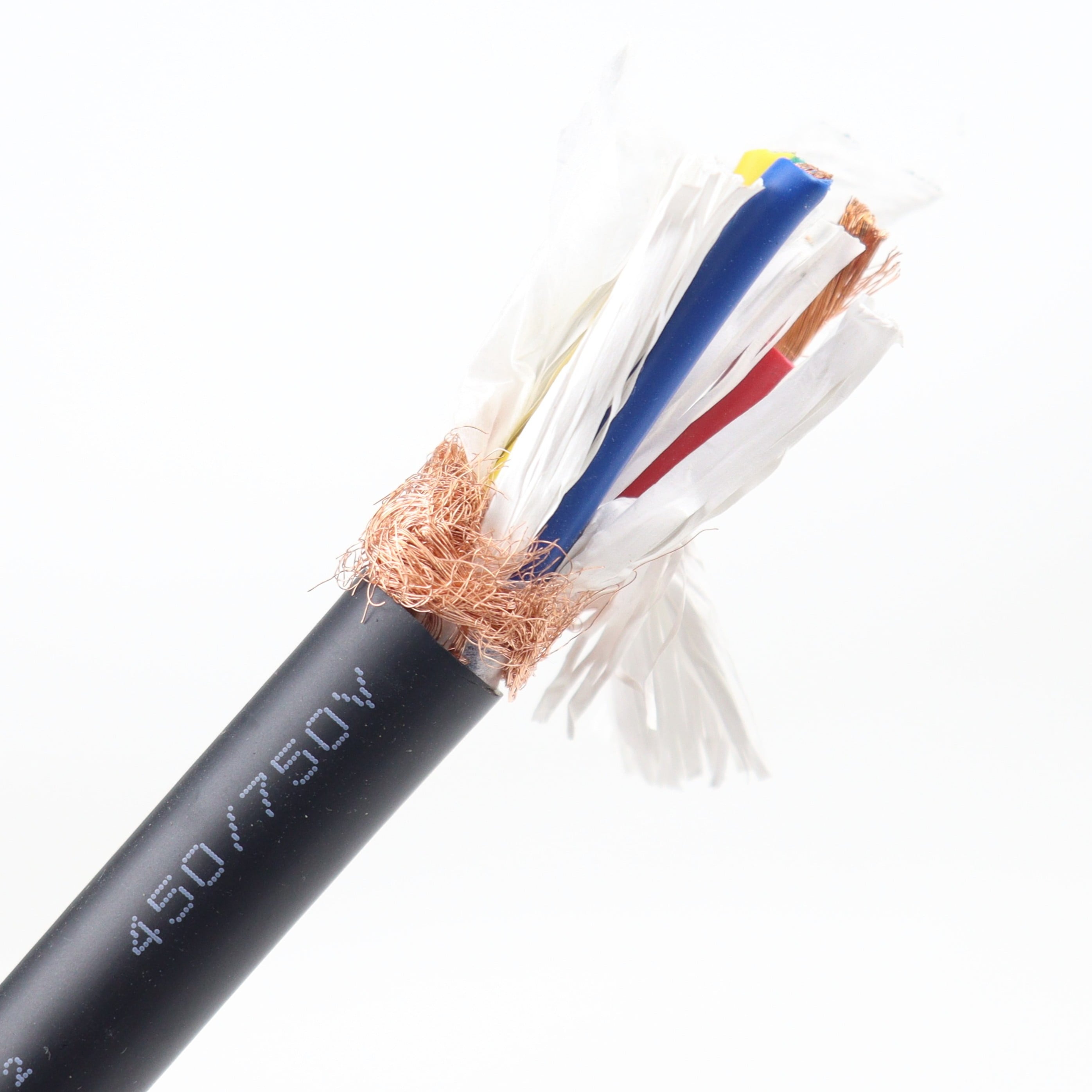
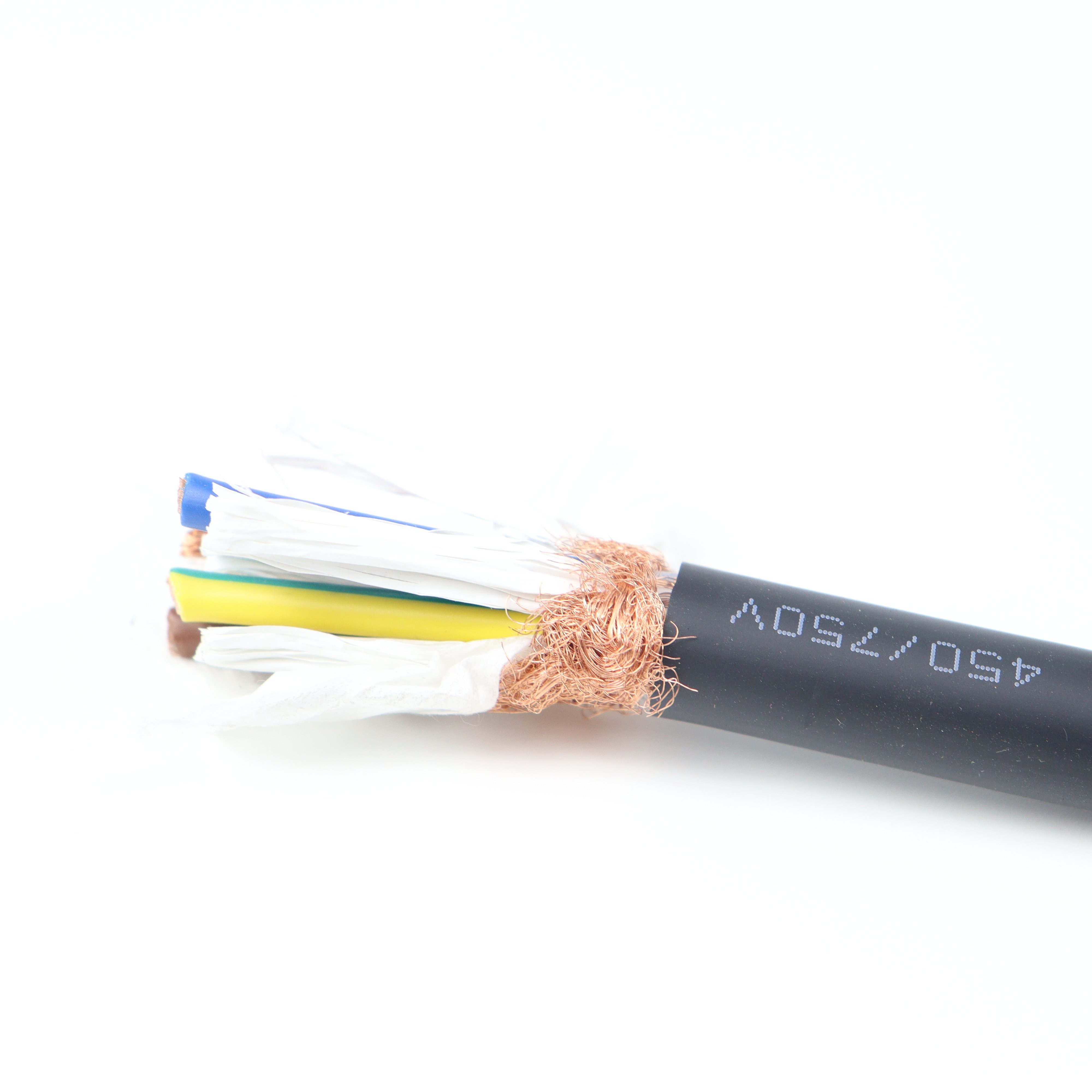
When a surveillance image rolls, flickers, or shows bands, the cause may be a connection or installation issue rather than a failed camera. Coaxial Cable carries the signal, while BNC connector fit determines whether the cable meets the camera and recorder securely. For dependable security camera video, inspect both before replacing equipment.
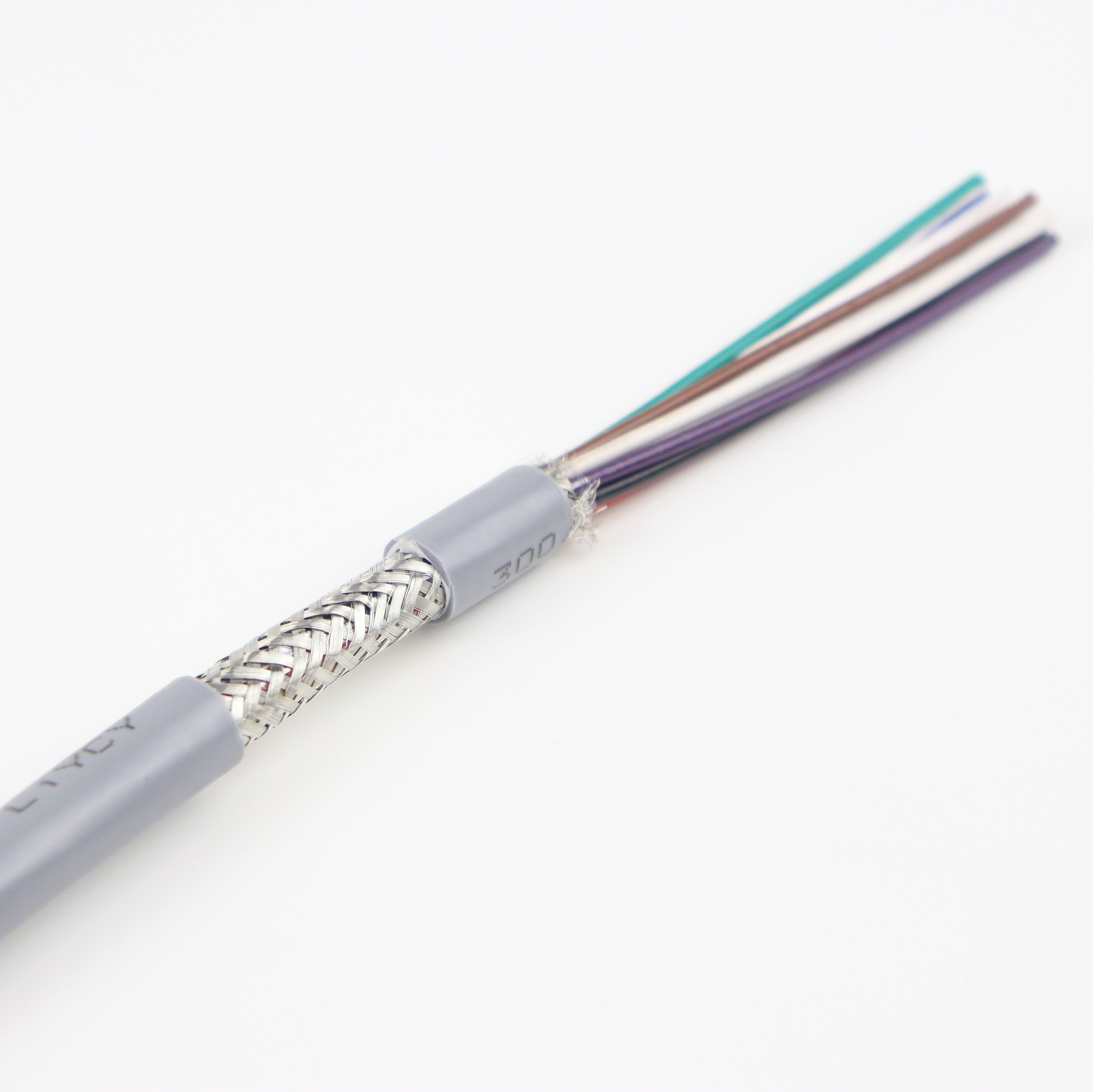
The relationship is practical: poor contact can interrupt the signal, and cable damage can introduce noise or loss. Understanding picture interference causes helps an installer separate a connector problem from a routing, grounding, or equipment issue. This guide explains how to assess the connection and trace common symptoms in a security camera video system without relying on guesswork.
How connector fit affects the video signal
Check the mechanical connection first
A BNC connector should seat fully and lock with a short twist, without wobbling or needing excessive force. If BNC connector fit feels loose, inspect the mating surfaces for bent parts, debris, or wear before powering down and reconnecting. A partly engaged connection can make security camera video cut in and out when a cable moves or a cabinet door closes.
The connector must also suit the cable and termination method. A connector that is too large or too small for the cable can fail to grip the braid and center conductor correctly. Confirm BNC connector fit against the cable diameter and construction, then check that the center pin is straight and the outer shield makes firm, even contact.
Inspect termination and cable preparation
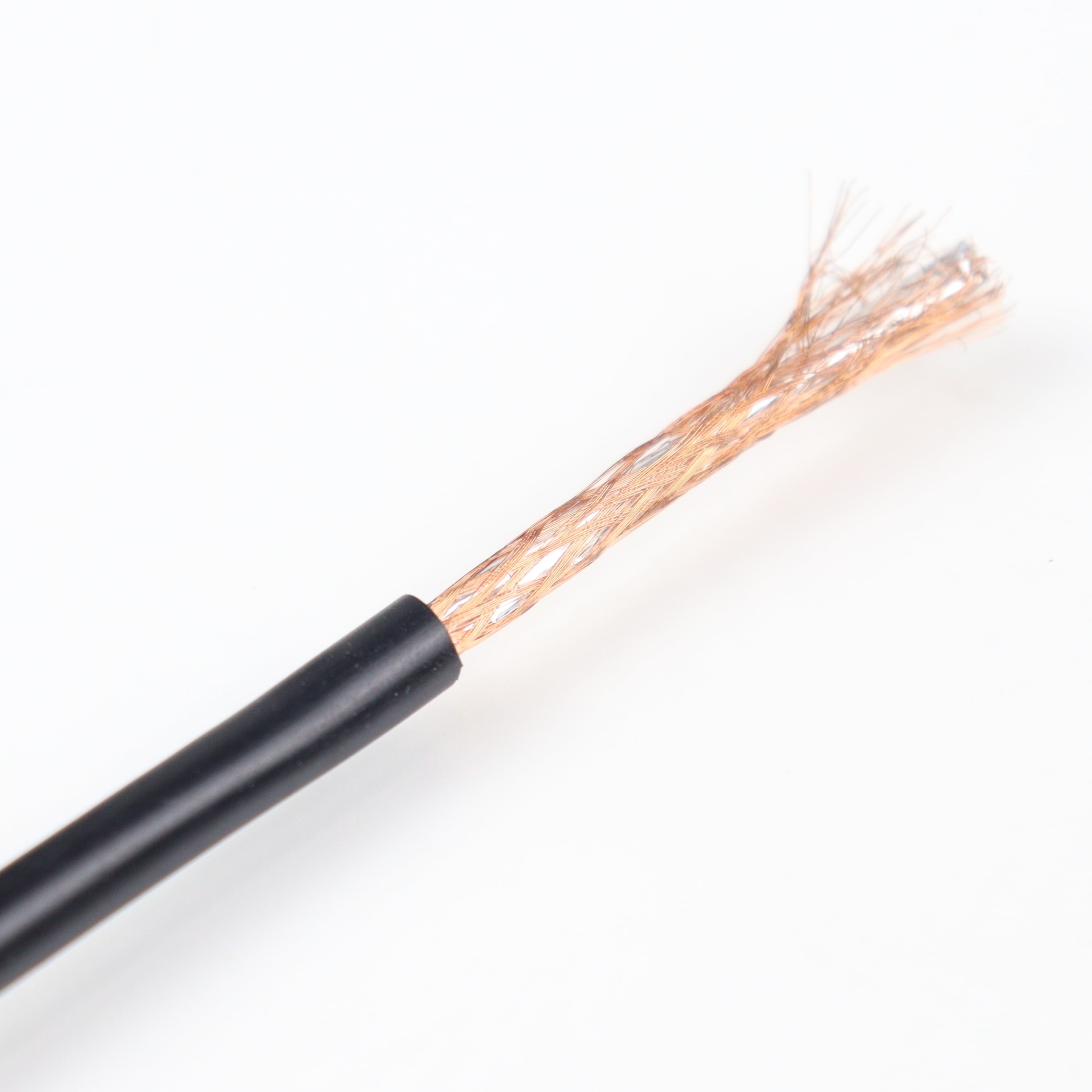
A clean termination depends on measured, consistent stripping. Too much exposed center conductor can short against the shield; too little can prevent reliable contact. If BNC connector fit appears correct but the picture remains unstable, remake the end and look for stray braid strands, crushed dielectric, or a center conductor that has slipped backward.
These details matter because a connector can look attached while its electrical contact remains poor. A quick tug test should not pull the cable free, but avoid pulling hard enough to damage it. When picture interference causes are unclear, compare the suspect lead with a known-good short cable at the same camera and recorder input. A change in the image points toward the cable or its termination.
Trace common sources of picture interference
Separate cable damage from routing noise
Inspect the full cable path for sharp bends, crushed sections, staples driven too tightly, and abrasion at entry points. Damage can alter the signal even when the outer jacket looks mostly intact. In a security camera video run, these picture interference causes may appear as intermittent noise, ghosting, or loss that changes when the cable is moved.
Routing can also matter. Long parallel runs beside power conductors, motors, or switching equipment may expose a video line to unwanted electrical noise, especially if shielding or bonding is compromised. Check BNC connector fit at both ends and review nearby electrical sources before assuming the camera itself is defective. Keep low-voltage video routing appropriately separated from power wiring in line with site requirements.
Review grounding and connected equipment
Ground potential differences between camera locations and the recording room can create visible hum bars or rolling patterns. These picture interference causes can be mistaken for a bad camera, although the effect may change when equipment is connected or disconnected. A qualified technician should assess bonding and grounding safely rather than removing protective earth connections.
Check the entire signal chain, including camera output, intermediate couplers, recorder input, and any distribution equipment. A loose joint at one point can affect several views if they share a device. For security camera video with consistent interference across channels, investigate shared power, grounding, or recording equipment; a single affected channel more often directs attention to its local cable and connector.
Use a practical diagnosis sequence
Test one variable at a time
Begin by documenting the symptom, affected camera, and whether the issue is constant or intermittent. Confirm power and recorder settings, then reseat each accessible connection. Check BNC connector fit without forcing the bayonet lock, and observe whether the image changes. Changing one item at a time makes it easier to identify the source than replacing several components at once.
Next, substitute a short, known-good Coaxial Cable between the camera and recorder where access permits. If the image clears, inspect or replace the original run and its ends. If the fault remains, test another recorder input or camera according to the system design. This process narrows picture interference causes while preserving a clear record of what has been tested.
Decide when repair or replacement is appropriate
A loose or poorly terminated end may be repairable when the cable itself is sound and enough length remains for a fresh termination. Replacing a damaged or water-affected section is more appropriate when the jacket, braid, or dielectric is compromised. Consistent BNC connector fit after retermination helps reduce repeat service calls, but it cannot correct a damaged cable route.
For new or replacement runs, match cable type, connector, distance, and camera interface to the system specifications. A suitable Coaxial Cable and secure termination support stable signal transfer; neither alone guarantees an interference-free image. Record the route and termination points so future troubleshooting can distinguish installation changes from emerging picture interference causes. In security camera video installations, that documentation is useful during maintenance and upgrades.
FAQ
Can a loose BNC connection cause a rolling image?
Yes. Poor contact may create intermittent signal loss or visible disturbance. Check BNC connector fit at both ends, then inspect the cable and connected equipment if the symptom remains.
Will replacing the cable always remove picture interference?
No. Cable replacement helps when the run is damaged or poorly terminated, but picture interference causes can include grounding, nearby electrical noise, and equipment faults. Test systematically before replacing parts.
What should I check first when security camera video flickers?
Start with power, visible cable damage, and each accessible connection. Confirm BNC connector fit, then test with a known-good lead if possible. If the disturbance persists, examine shared equipment and grounding conditions.

 EN