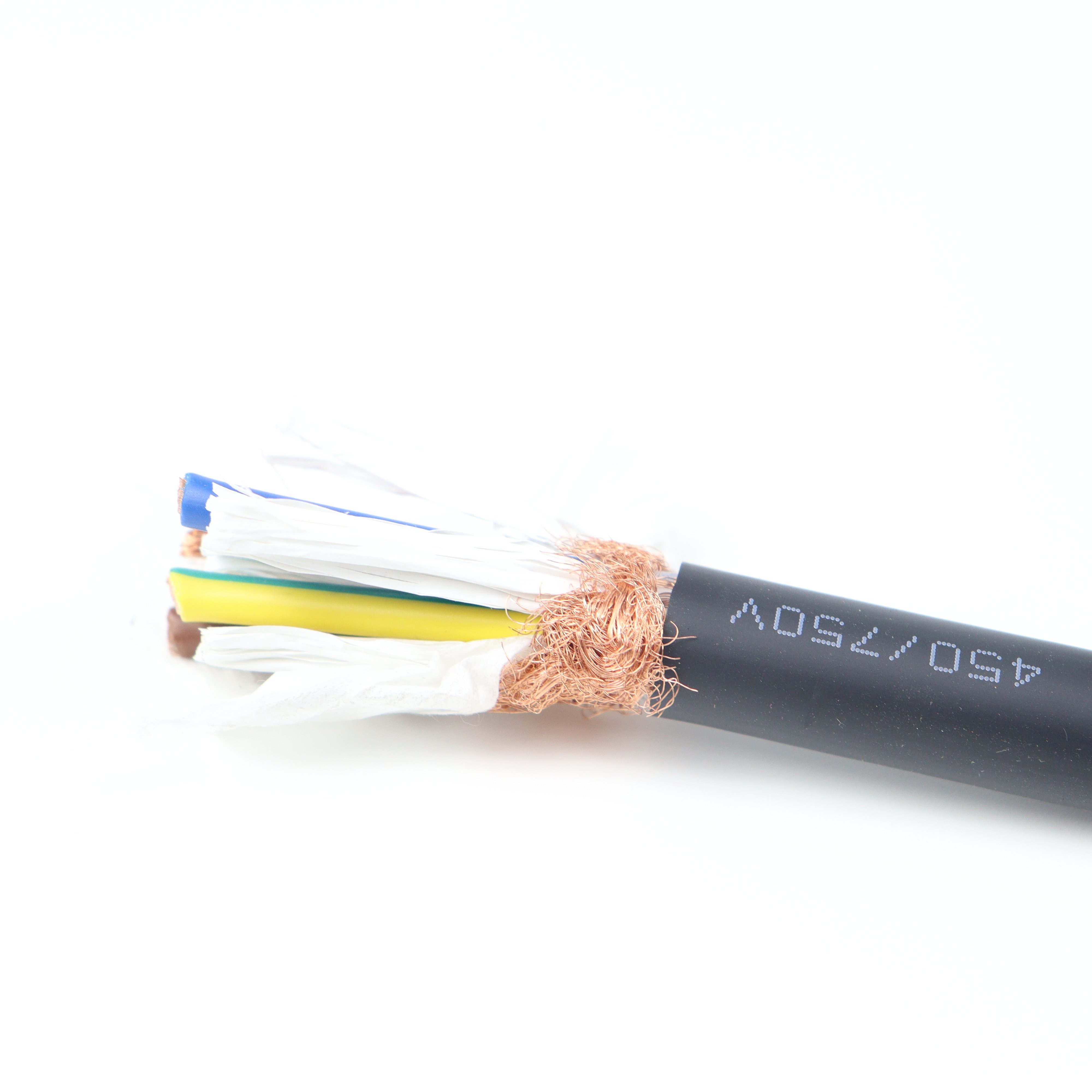
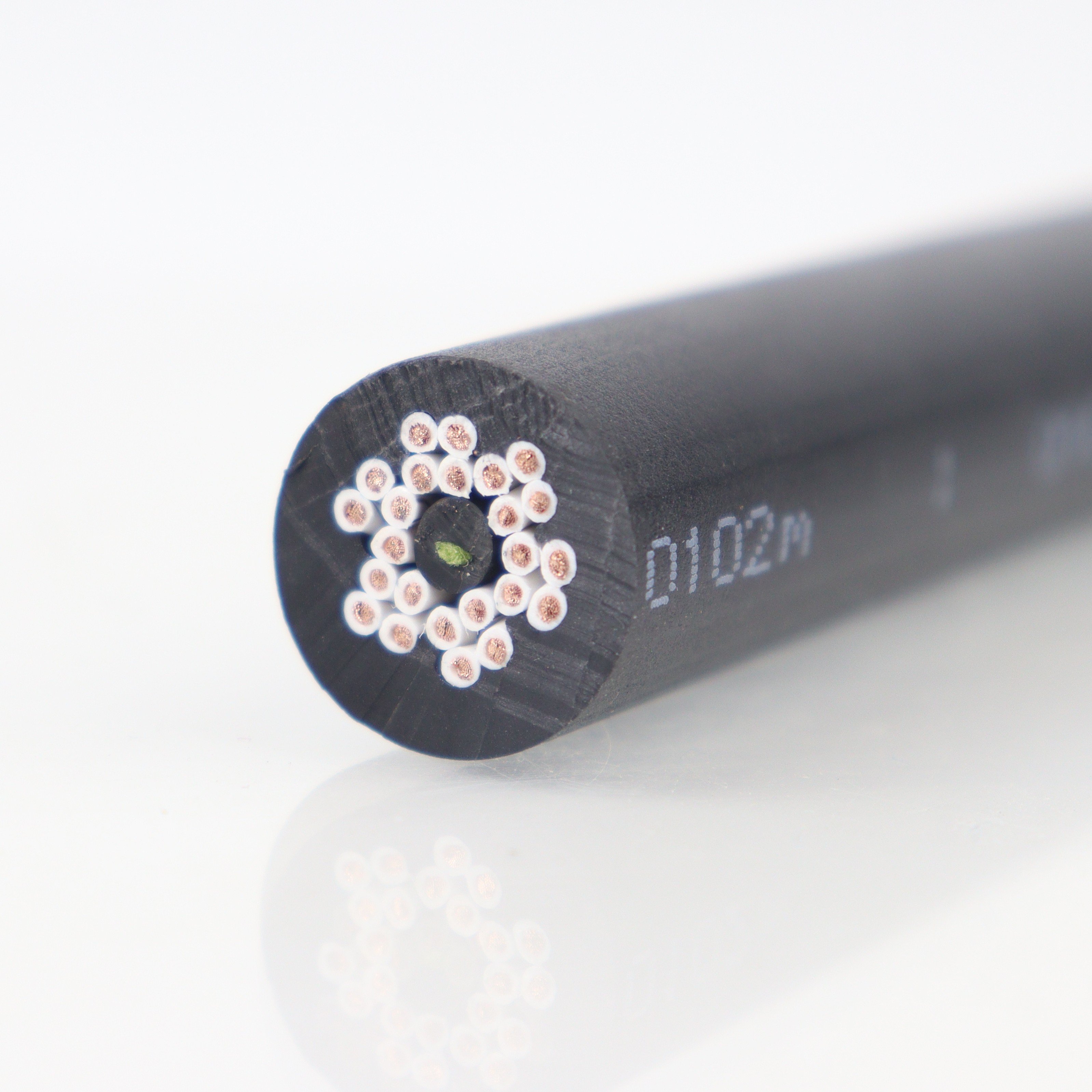
Overlooking pair count and network topology during building automation design can create problems that are difficult to trace after installation. A cable may appear suitable while lacking the conductors, routing plan, or separation needed for the signals and devices in the project. These gaps can lead to unreliable communication, constrained expansion, and expensive corrective work. Reviewing the cable and topology together helps teams spot these risks before procurement and installation.
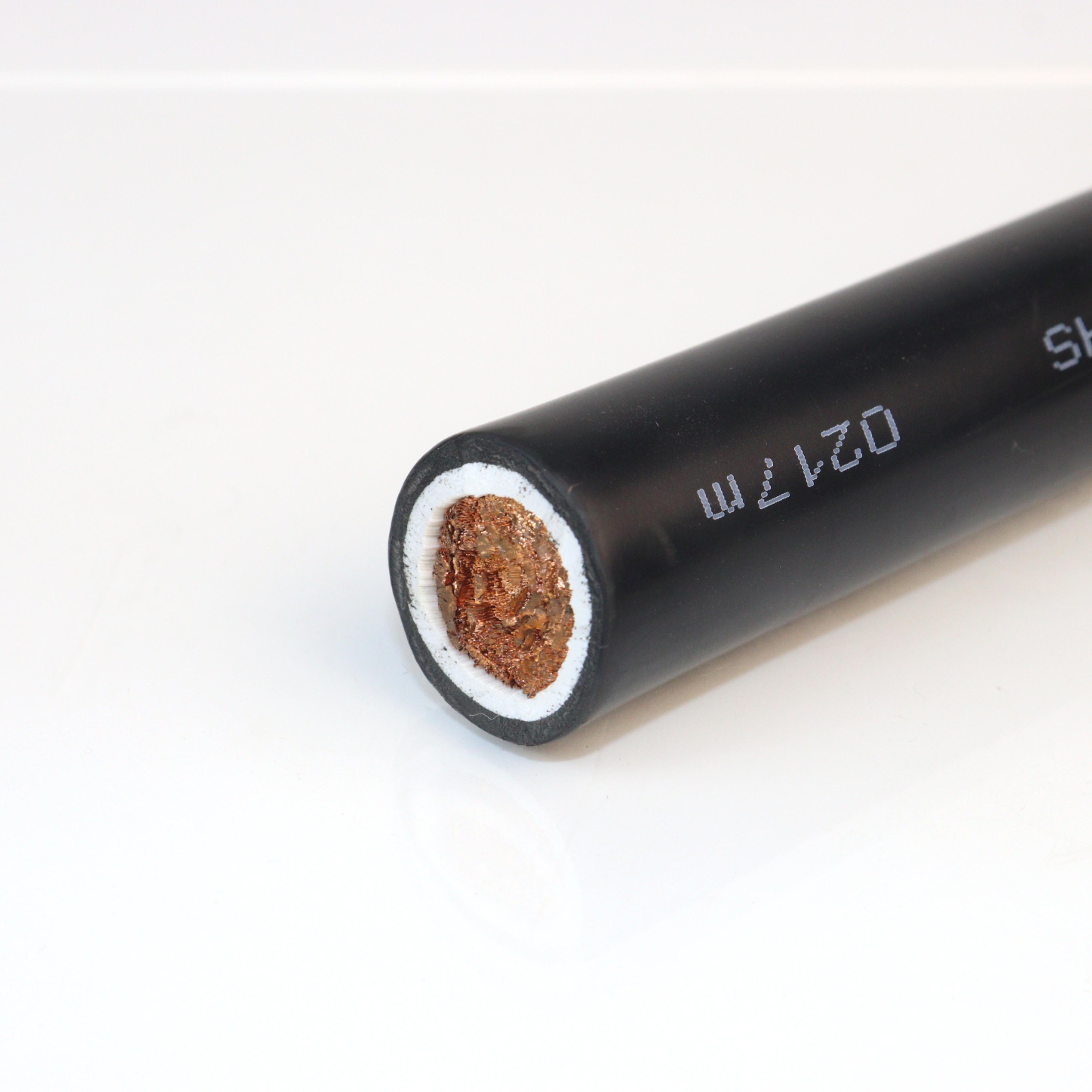
The key is to match the physical cable to the actual control architecture, not just to a general system label. In building automation, pair count determines how many separate circuits a cable can support, while network topology describes how devices and communication paths connect. If either is assumed rather than verified, design decisions can conflict with field requirements. The result may be extra cable runs, difficult troubleshooting, or a system that cannot accommodate planned changes.
How Cable Pair Count Gaps Create Field Problems
Insufficient conductors limit circuit flexibility
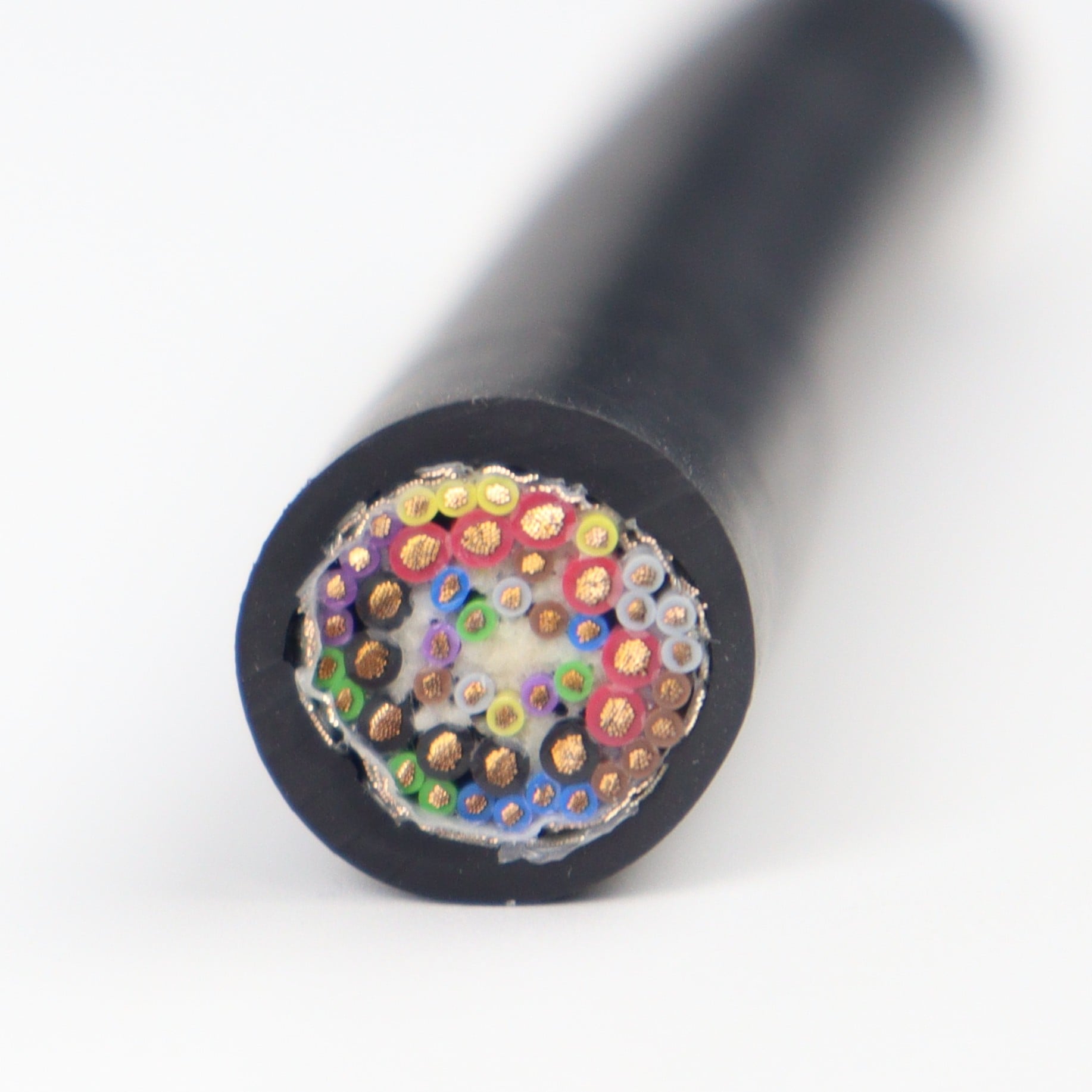
Pair count is the number of conductor pairs available in a cable, and each pair may be allocated to a particular control, power, or signal function according to the system design. When the specified pair count is too low, installers may find that required points cannot share the intended route. Building automation projects often combine sensors, actuators, controllers, and communication circuits, so an unverified pair count can leave no spare conductors for a late change. Teams then need additional cable, revised routes, or a documented redesign.
Unused assumptions increase commissioning effort
A cable schedule that lists only a generic cable type may conceal the actual pair count needed at each location. During commissioning, technicians can discover that a device has no dedicated pair, that a conductor was allocated to another function, or that a spare was assumed but never installed. This delays point-to-point checks and makes fault isolation less straightforward. Confirming pair count against the device schedule, control drawings, and installation route before work begins reduces that uncertainty in building automation and supports cleaner handover records.
How Network Topology Affects Reliability and Diagnosis
Routing must reflect the communication design
Network topology defines the physical and logical relationships between controllers, field devices, and network segments. A design may use a bus, star, ring, or a combination, but the chosen arrangement must match the protocol and equipment requirements. If the cable route creates unplanned branches, excessive stubs, or a different connection order, communication behavior can become unpredictable. Building automation teams should compare network topology drawings with cable pathways so that installers understand where connections are permitted and where a continuous route is required.
Poor topology complicates fault isolation
When network topology is unclear, a fault can affect more devices than expected or take longer to locate. A cable break, incorrect termination, or improvised junction may interrupt communication across a segment, while incomplete labels make it harder to identify the affected path. The issue is not simply the cable itself: network topology determines how a physical defect propagates through the system. Clear segment boundaries, consistent labeling, and as-built drawings help technicians narrow the search area and restore service with fewer unnecessary checks.
Preventing Design Mismatches Before Installation
Coordinate cable schedules with device requirements
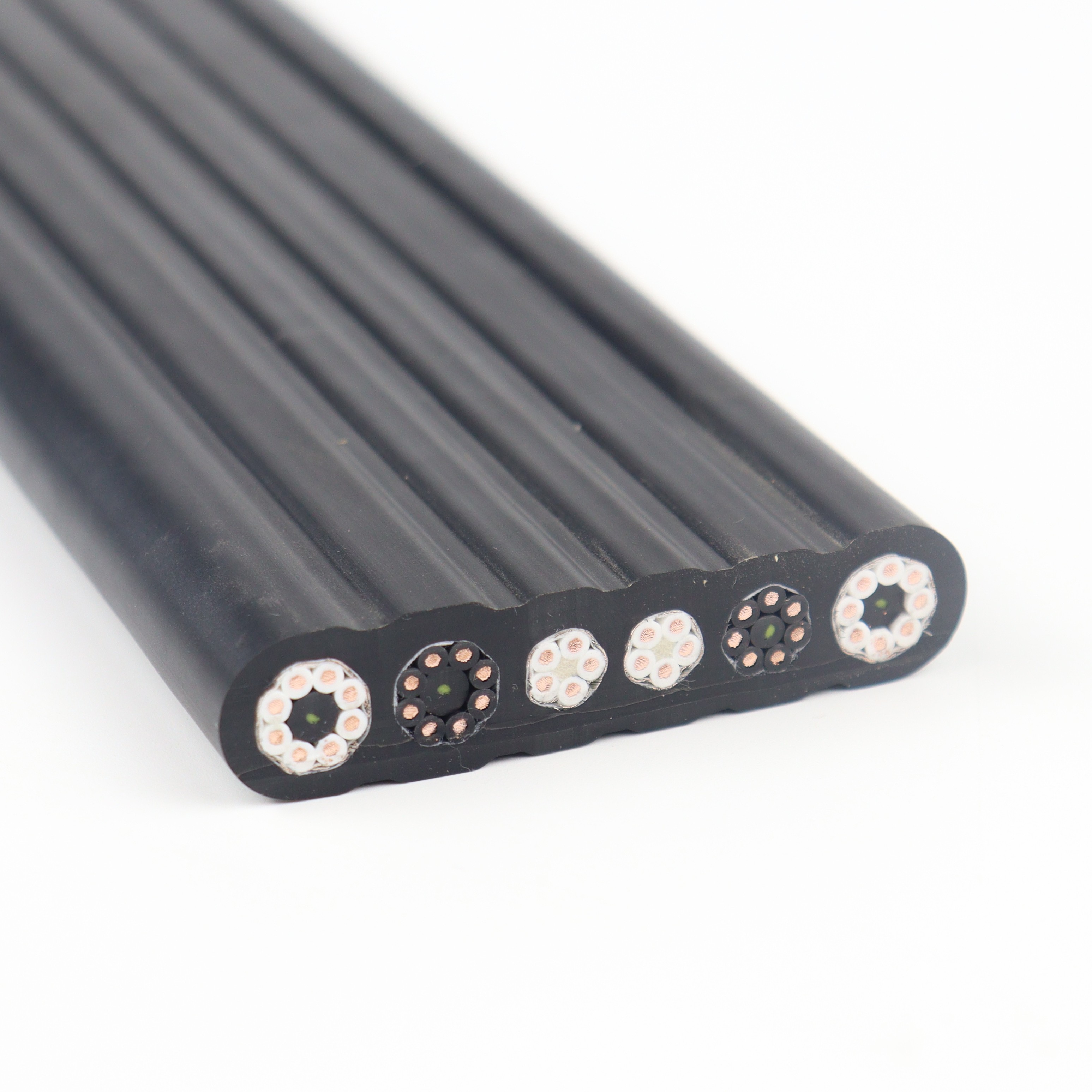
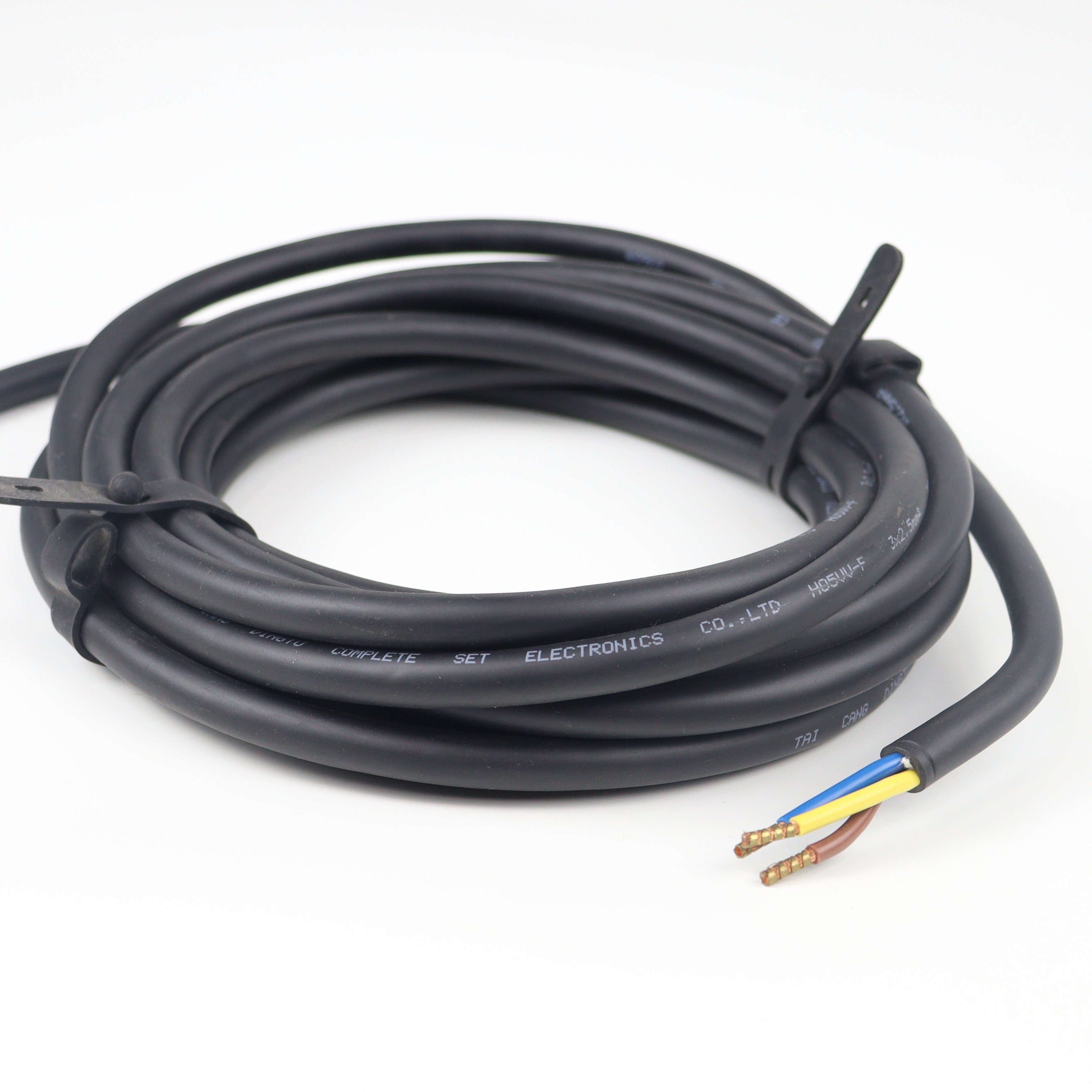
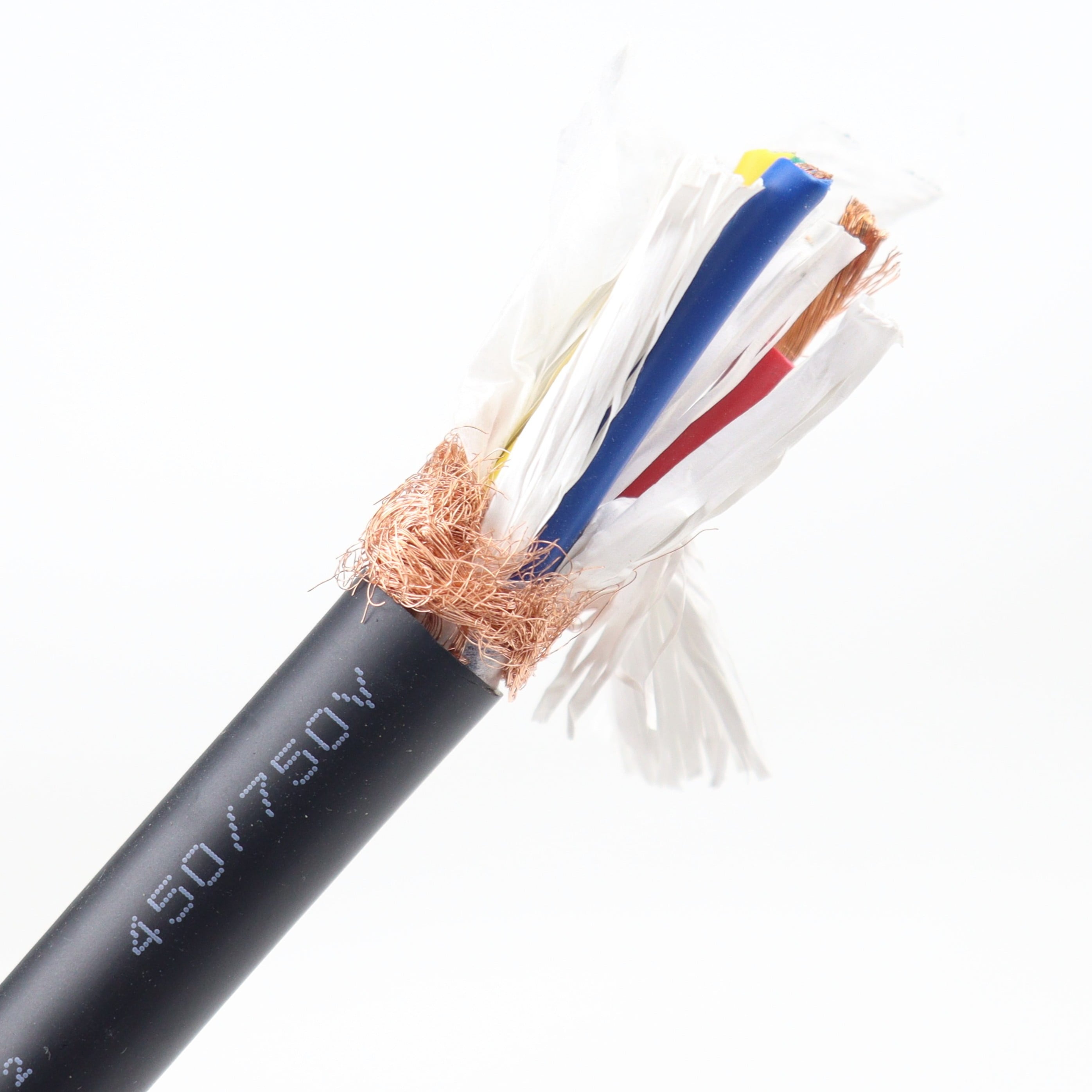
Before purchasing cable, map every endpoint to its required functions and verify the pair count for each run. Include known control and signal needs, any required separation, and an appropriate allowance for documented changes rather than relying on informal spare capacity. Select Data Cable only after checking its construction and project requirements. In building automation, coordination between the cable schedule, equipment submittals, and drawings helps prevent mismatched assumptions from reaching the installation crew.
Validate topology and document changes
Review network topology with the controls designer, electrical team, and commissioning lead before cable routes are fixed. Confirm intended connection points, segment boundaries, termination requirements, and the treatment of branches for the chosen system. Pair count should then be checked against the cable assigned to each route, not just against an overall project total. If site conditions force a change, record the revised route and update labels and drawings. This discipline keeps building automation documentation aligned with the installed network topology.
FAQ
What happens when pair count is too low?
A low pair count can leave required signals without conductors, forcing additional runs or design changes. Check pair count against each device and circuit before installation, especially where building automation routes serve multiple endpoints.
Can network topology affect troubleshooting?
Yes. Network topology determines how devices connect and which equipment may be affected by a break or connection error. Accurate drawings and labels help isolate a fault and clarify the intended path in building automation systems.
When should these design checks take place?
Check cable requirements and network topology during design coordination, before cable procurement and route installation. Revisiting pair count when equipment or routes change helps keep building automation plans consistent with field conditions.

 EN