When a digital audio system develops a low-frequency buzz, the sound can suggest an analog fault even when the source uses an S/PDIF audio connection. The key is to separate the digital signal path from the electrical path that can carry unwanted current. Digital audio bandwidth matters for reliable data transfer, but it does not, by itself, explain a ground loop hum.
Troubleshooting works best when you check connection requirements, cable behavior, and grounding as separate questions. An S/PDIF audio connection can carry digital audio over coax, while its cable shield may also connect equipment grounds. Understanding that distinction helps identify whether the issue is a signal-integrity problem, a ground loop hum, or two faults occurring together.
Separate digital signal faults from hum
Identify what the symptom reveals
A ground loop hum is usually a steady buzz or low-frequency tone that follows an electrical path between connected devices. By contrast, a failing S/PDIF audio connection more often causes clicks, dropouts, intermittent muting, or no lock at all. The difference is useful, not absolute: a receiver may mute or distort when digital data is unreliable, while a hum can remain audible independently of the digital stream.
Listen during controlled changes. If the hum remains when the digital source is paused, disconnected, or switched to another input, investigate power and grounding before changing digital audio bandwidth settings. If the sound appears only when the S/PDIF audio connection is active, check the cable route and the devices’ connector shells, but do not assume the data signal itself creates the hum.
Map conductive paths between devices
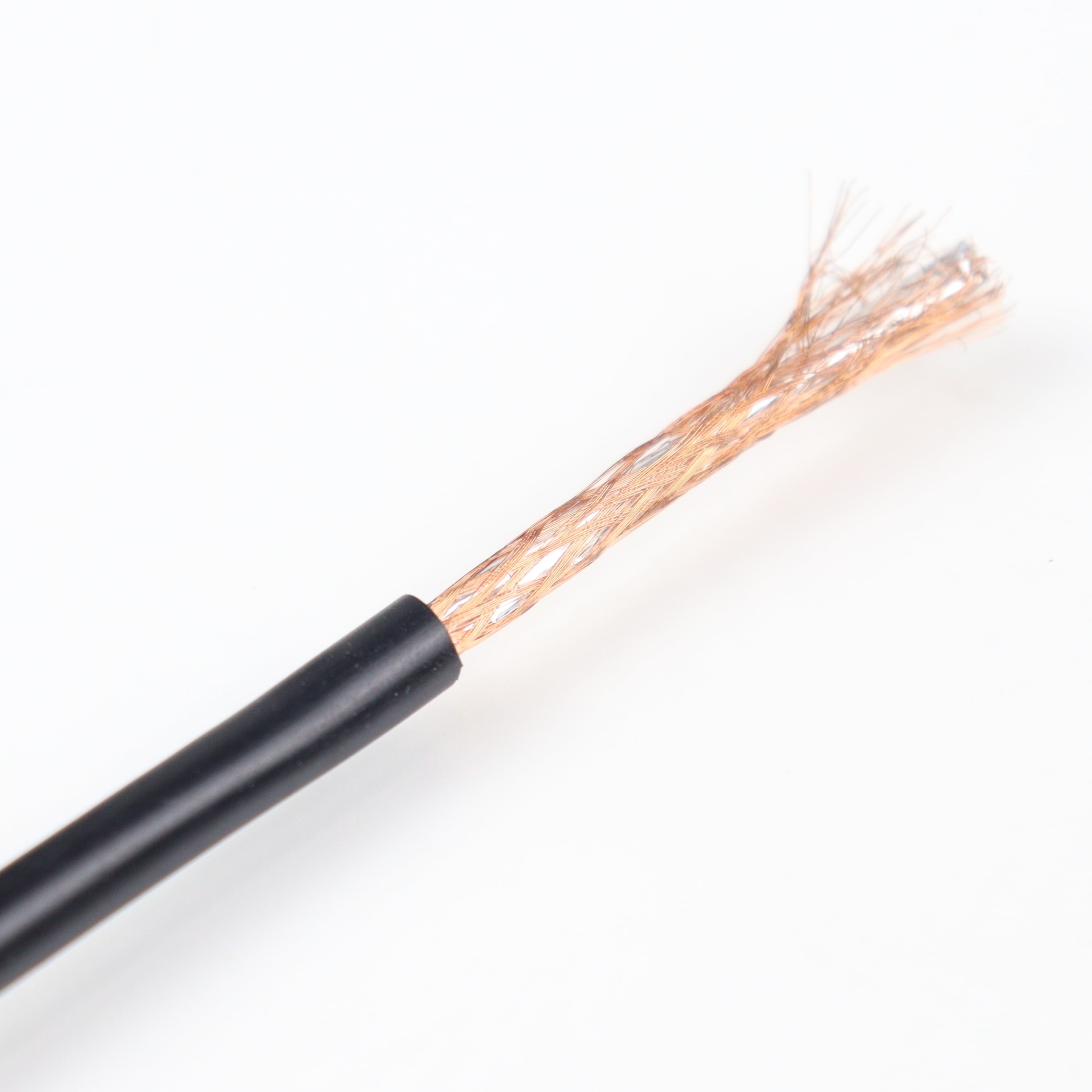
A coaxial S/PDIF link commonly uses an RCA-style connection, where the center conductor carries the signal and the outer conductor serves as the return and shield. That shield can electrically join the chassis of a source and receiver. If those devices also connect through mains earth, an analog interconnect, a computer, or a display, current may find more than one route and produce a ground loop hum.
With equipment powered down as appropriate, note every connection between the devices and test one change at a time. Temporarily remove nonessential signal links, then listen again while keeping the S/PDIF audio connection unchanged. If the noise stops after another link is removed, that points toward a shared grounding path. Never defeat a protective earth connection; use approved isolation methods or have a qualified technician assess the installation.
Match cable requirements to bandwidth
Check impedance and connection format
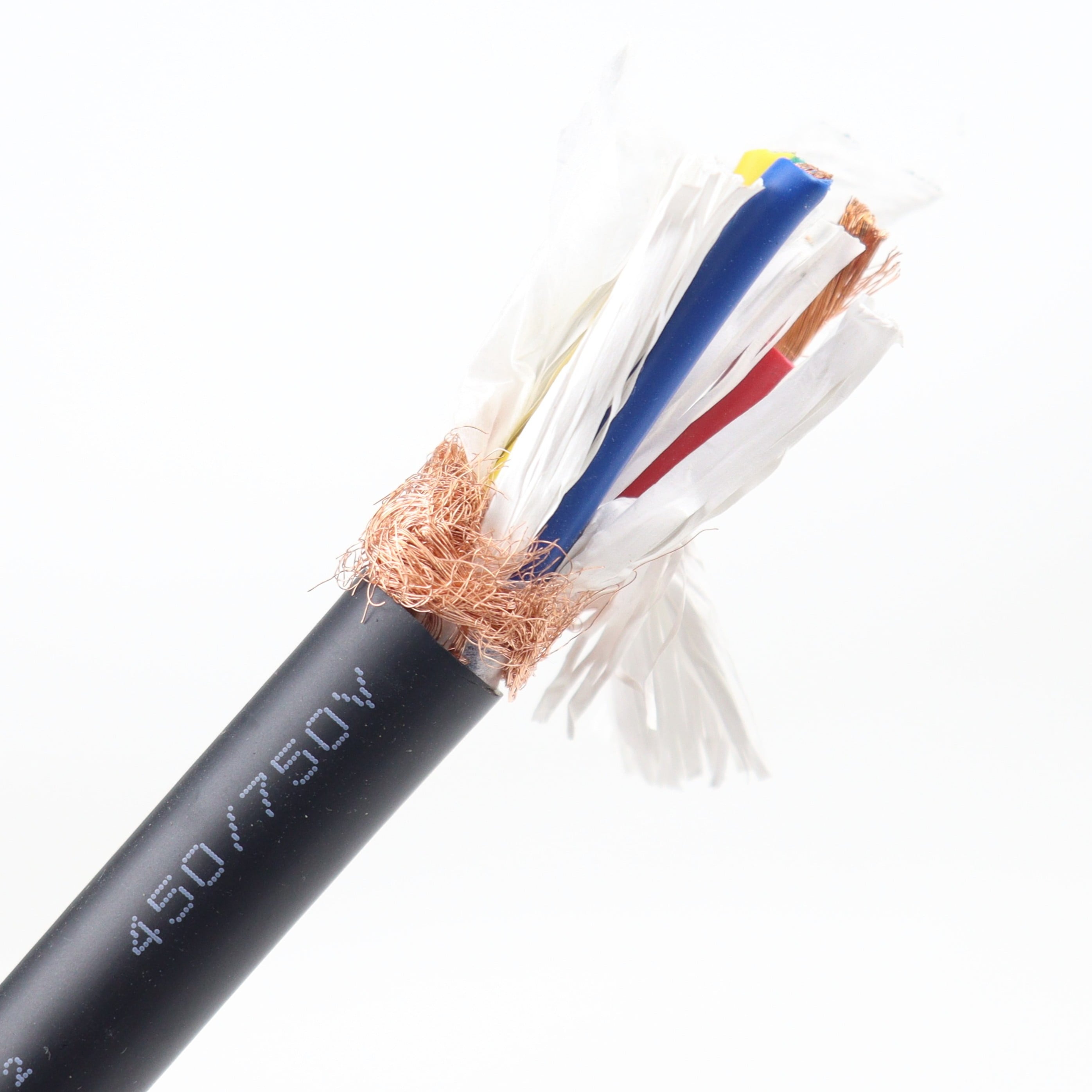
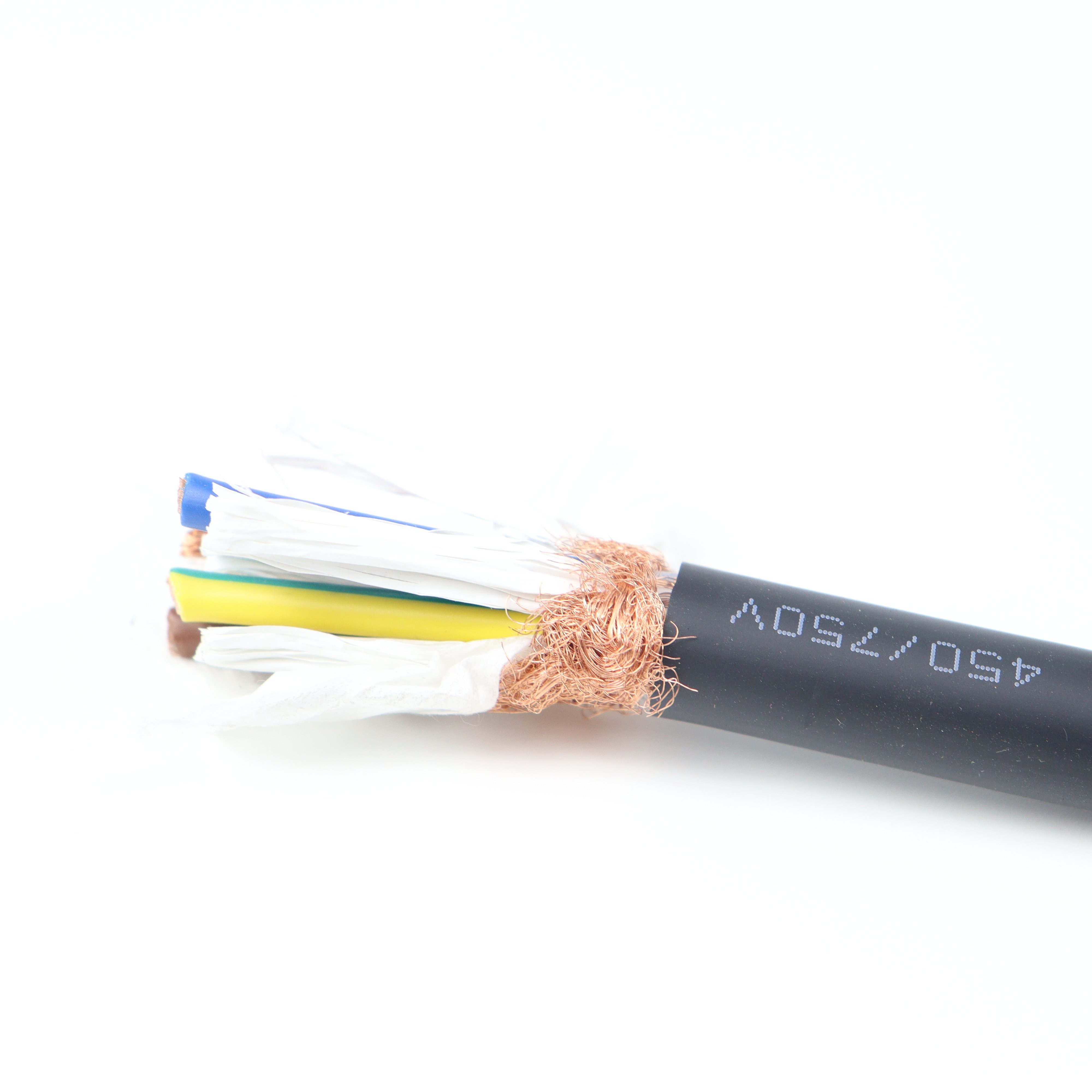
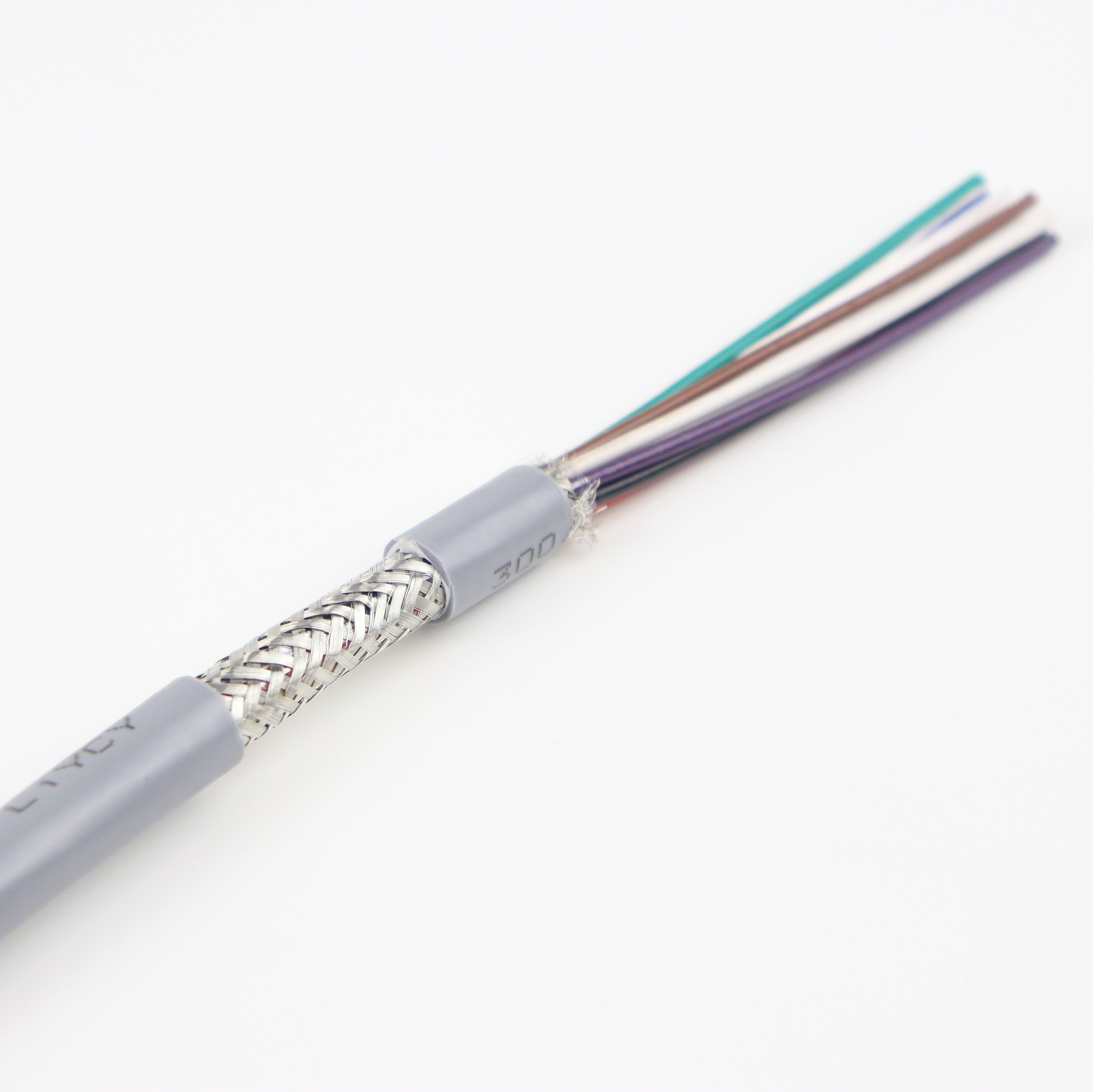
For coaxial S/PDIF, cable impedance is a central requirement: the intended transmission line is nominally 75 ohms. A connector that fits is not proof that a cable is suitable. Confirm the cable specification, connector fit, shielding, and practical length for the installation. A purpose-built Coaxial Cable should be selected by its stated impedance and application; a shielded data cable is not automatically a 75-ohm S/PDIF cable.
A mismatch or poor termination can reflect signal energy and reduce the receiver’s margin, especially across longer runs or where adapters add discontinuities. Those problems can interrupt an S/PDIF audio connection, but they are distinct from a ground loop hum. Inspect for loose RCA plugs, damaged cable, sharp bends, and unnecessary couplers, then verify that both endpoints support the same coaxial format.
Understand bandwidth without confusing it with hum
Digital audio bandwidth describes the capacity needed to convey the encoded stream, while the physical cable must preserve signal edges well enough for the receiver to recover data. Higher sample rates and formats can increase the demands on the link, but a nominal audio bit rate is not the only factor. Cable impedance, attenuation, reflections, receiver tolerance, and installation length all influence whether digital transitions arrive cleanly.
If an S/PDIF audio connection fails only with a particular source format, compare supported sample rates and formats at both ends, then test a known-good cable of the correct specification. This isolates digital audio bandwidth compatibility from grounding. If the receiver locks reliably but a steady ground loop hum continues, changing the digital format is unlikely to remove the electrical current flowing through a shield or another interconnection.
Do not treat bandwidth figures as a direct hum remedy. A cable with adequate transmission characteristics can still provide a conductive shield path, and a cable that reduces unwanted coupling does not necessarily meet the impedance requirements of coaxial S/PDIF. Evaluate each function separately: digital audio bandwidth and signal integrity on one side, chassis bonding and current paths on the other.
Use a controlled troubleshooting sequence
Change one condition at a time
Begin by recording the source, receiver, selected input, format, and every cable linking the equipment. Confirm the S/PDIF audio connection is seated and that the receiver indicates a stable digital lock. Then listen at a consistent volume, because changing gain can make a ground loop hum seem to disappear without correcting its source.
Next, test a short, correctly specified coaxial lead and remove adapters where possible. Keep the source format fixed during this test so digital audio bandwidth is not changing at the same time. If clicks or lock loss improve, the original cable path may have compromised signal integrity. If the steady hum persists despite stable data, focus on shared power circuits, other audio cables, and connected computer or video equipment.
Apply a remedy that addresses the right cause
For a suspected ground loop hum, simplify the system temporarily and reconnect devices individually to find the connection that completes the noisy path. Maintain required safety grounding and use equipment designed for audio isolation when appropriate. A transformer or optical link may provide isolation in a suitable system, but confirm format support and installation requirements before changing the interface.
For digital dropouts, prioritize correct impedance, sound connectors, sensible cable routing, and endpoint compatibility rather than adding grounding accessories. Keep signal cables away from strong interference sources when practical, and avoid assuming that shielding alone resolves every issue. Once the S/PDIF audio connection is stable and the ground loop hum has been addressed independently, restore the required links and verify operation with the normal program material.
FAQ
Can digital audio bandwidth cause a ground loop hum?
Not directly. Digital audio bandwidth affects the data the link must carry, while a ground loop hum comes from unwanted current through connected conductive paths. A fault can coexist with either issue, so check signal lock and grounding separately.
Does any coaxial cable work for an S/PDIF audio connection?
No. Check that the cable is specified for the appropriate 75-ohm coaxial application, with suitable connectors and a practical length. A shielded cable intended for data transmission may have different electrical characteristics.
What should I test first when hum appears?
Determine whether the receiver keeps digital lock and whether the noise changes when other connections are temporarily removed. A steady ground loop hum with stable playback points toward conductive paths; clicks or dropouts suggest checking the S/PDIF audio connection and cable specification.

 EN